It runs the agents you already have
Claude, Codex, Gemini, Antigravity, Grok, Copilot, Cursor and OpenCode, each signed in with your own account and plan. Agents brings no model and no bill of its own. You choose the runtime, the model and the permission mode for each agent.
What each runtime can do
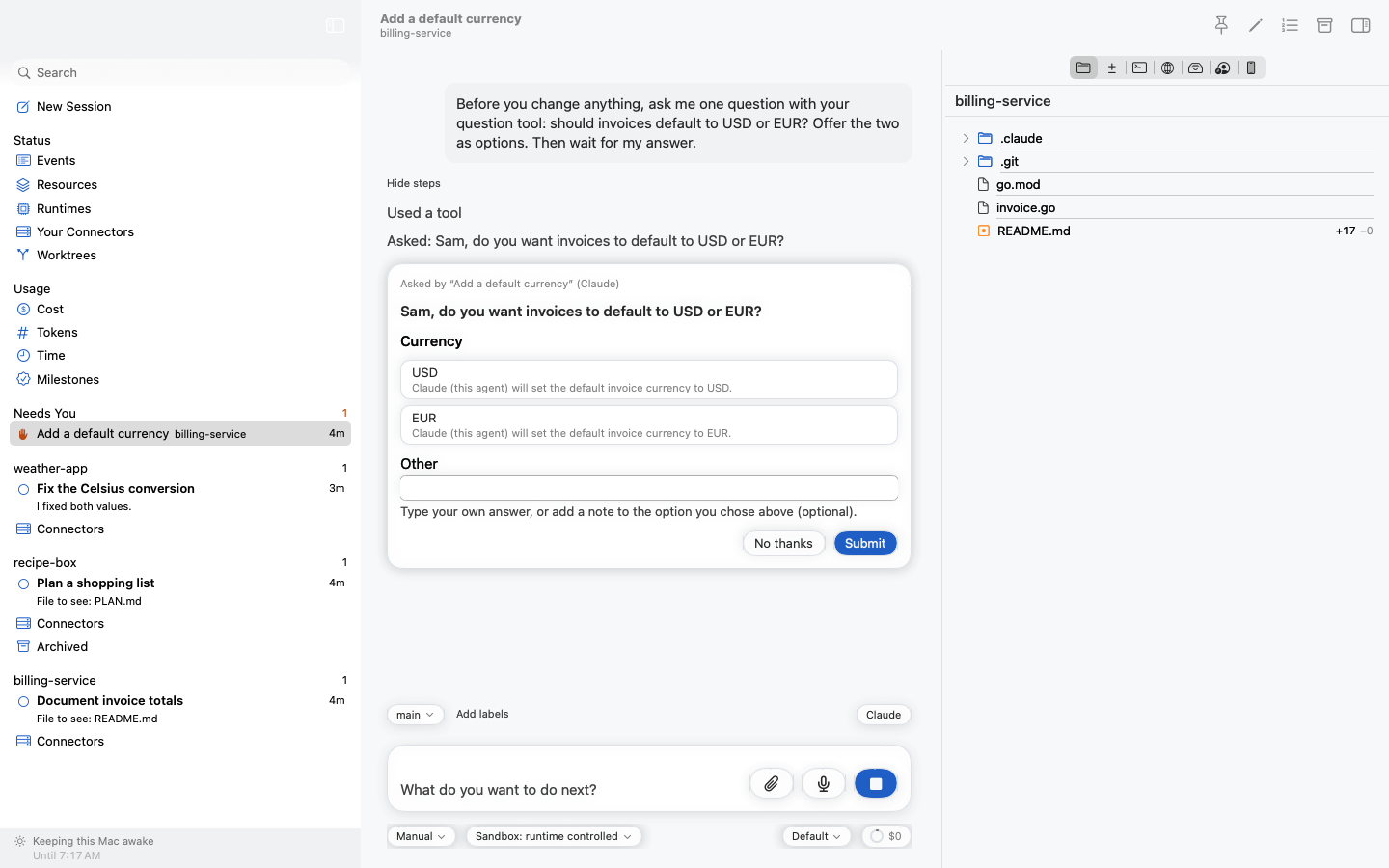
It shows which agent needs you
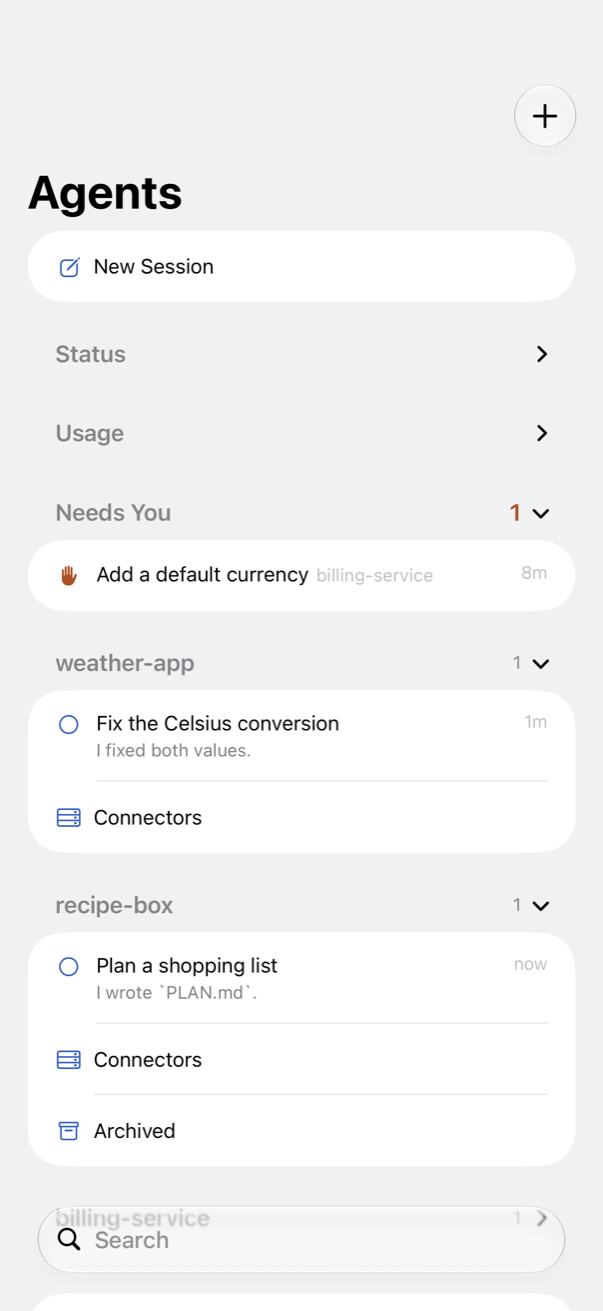
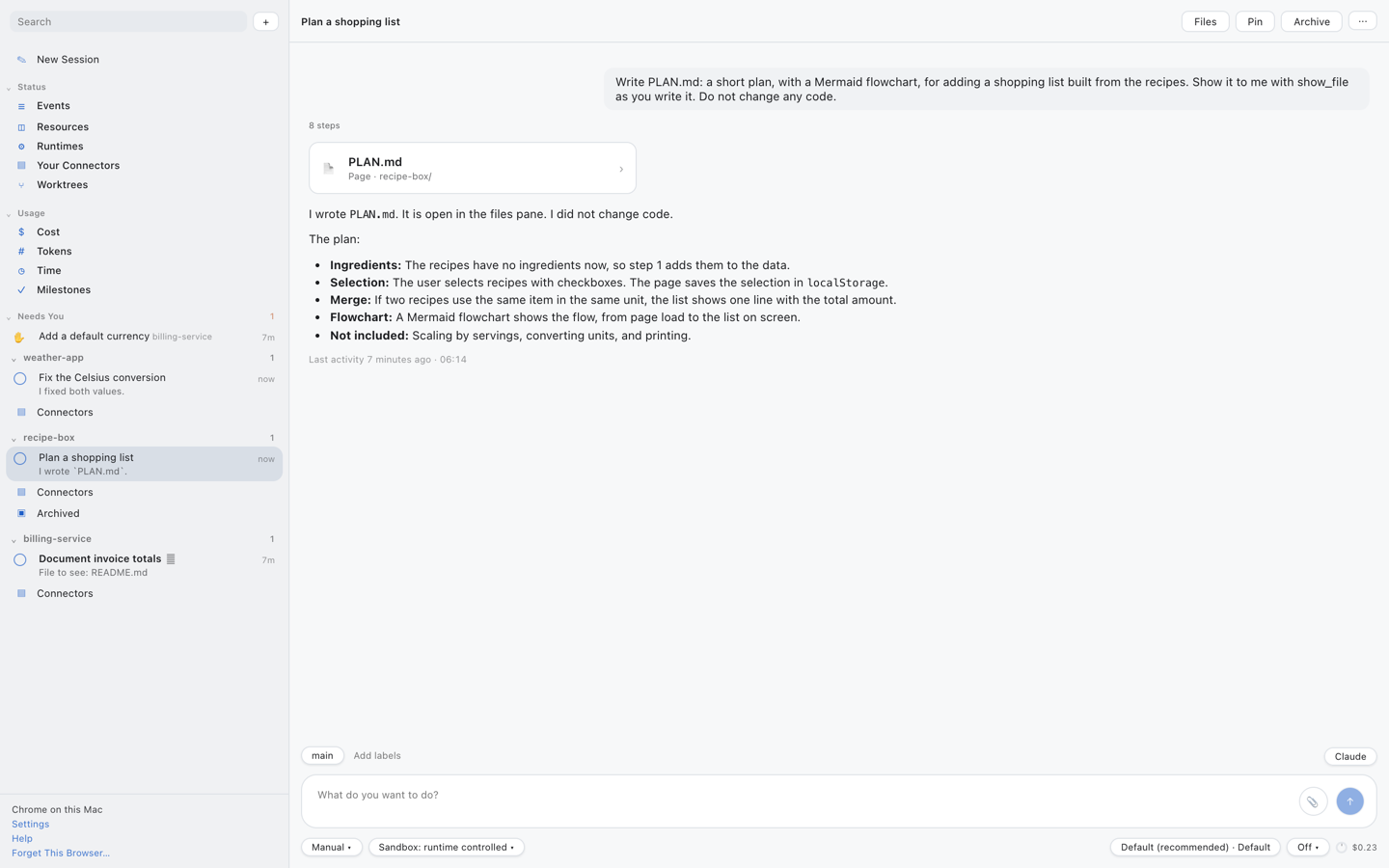
Every agent is in one group: Needs you, Waiting, Working, Done or Paused. When an agent ends its turn, it says in one sentence how it went. Read the list and you know what to open, without reading a conversation.
Statuses and groups
You see the work, not only the chat
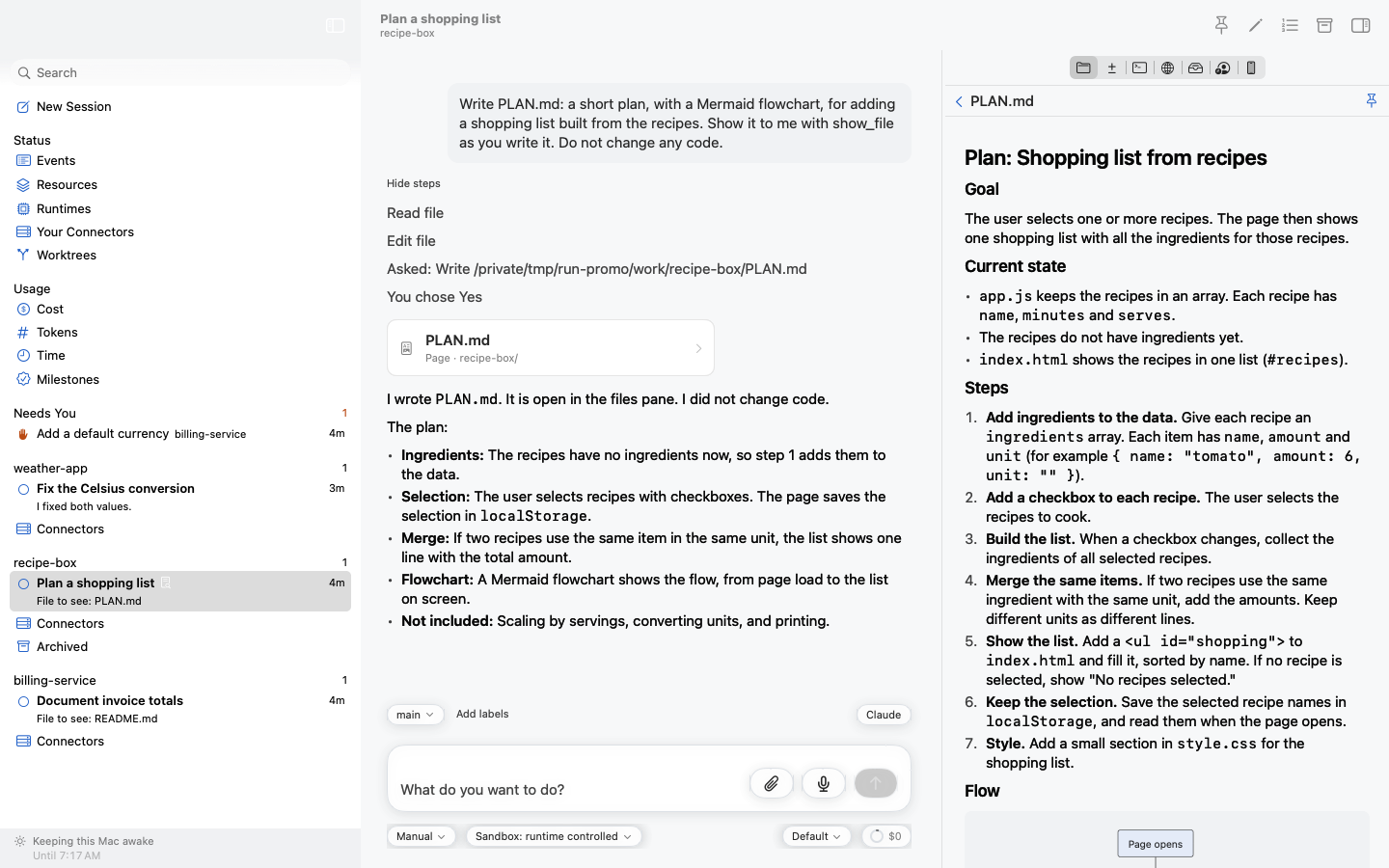
A plan or a review that an agent writes opens beside the conversation and fills in as the agent writes. You can type on it while it grows. Code changes are coloured down to the word.
Follow a live document
Agents that work together, and on their own
An agent finishes a change. A workflow, a Markdown file in your repository, starts a second agent to test it. The tester needs the iOS simulator, but another agent has it. So the tester takes a place in line and ends its turn. It costs nothing while it waits, and it starts again when the simulator is free.
It fixes the failure, then waits for main to move so it can rebase. Nothing polls. When main moves, the agent wakes up and finishes. Nobody asked you for anything.
- Leases. Agents take turns with a simulator, a browser, the screen, or anything they name. Leases
- Events. An agent can wait for another agent, a branch, a pull request or the Mac waking. Events
- Workflows. Start an agent on a schedule or when something happens. The file lives beside your code. Set up a workflow
- Agents that manage agents. An agent can start helpers, each in a worktree of its own, then brief them, wait for them and stop them. Tools for agents
They keep going without you
Your agents run in a helper in the background, not in the window. Close the window or quit the app, and they carry on. The Mac stays awake while a turn runs. After a restart, the agents that were working pick up where they stopped.
The window and the host
Your machines, one figure for spending
The work runs on your Mac, or on a Linux server of your own. The control plane that connects your devices runs on your Mac, or on hosting you rent. Every agent's spending, on every runtime and server, adds up to one figure for the day, and you can set a limit.
The control plane · Limit spending
 Agents